What it does
Say it. Shop it. Get nudged. Glance at it.
Made for the small groups you actually do life with. Four things it does that a plain shared list does not.
Say it
Say "pick up milk at Target tomorrow" and it finds the day and the place for you. No forms, no pickers.
In the app you speak. Here you type, and this page makes a rough guess the same way.
Shop by aisle
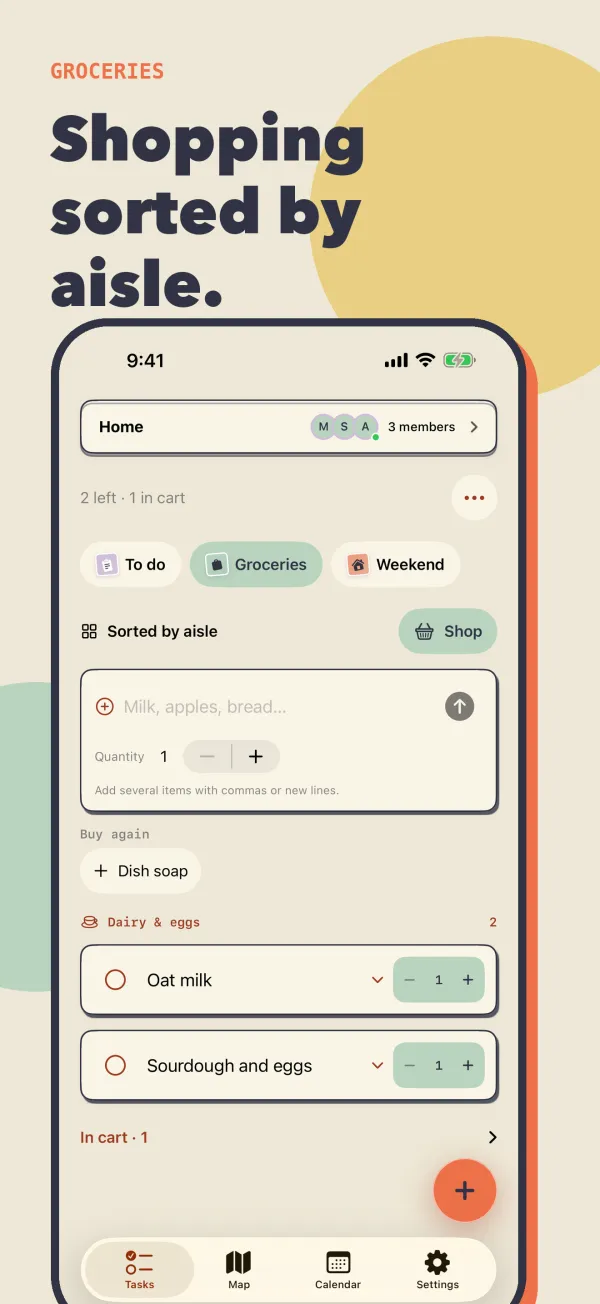
The Groceries list sorts itself by aisle, so one pass through the store gets everything. Set quantities, tap things into the cart, and re-add the usual with Buy again.
Add a few items with commas. This is a sketch of the list, and the aisle guesses here are rough.
Get nudged nearby
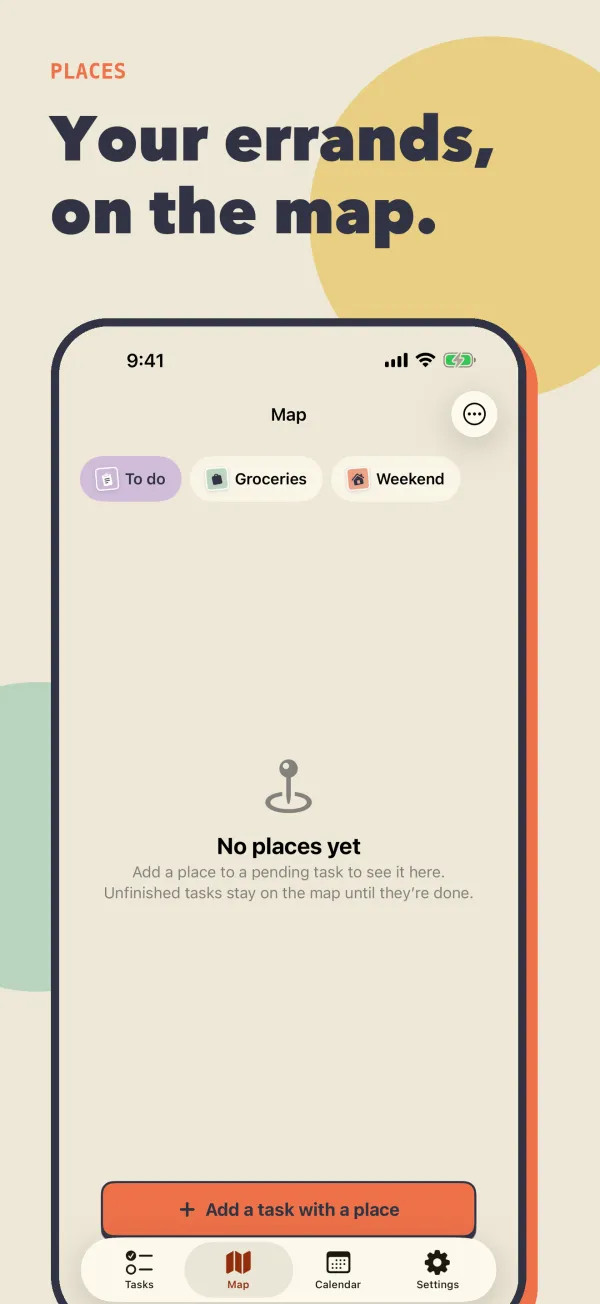
Attach a store or address to a task and see your errands on a map. Turn on reminders to get nudged when you are nearby.
Glance at it
Check things off from your Home Screen, and glance at what is next on the Lock Screen.
Tap the circles. This is a sketch of the widget, not a screenshot.
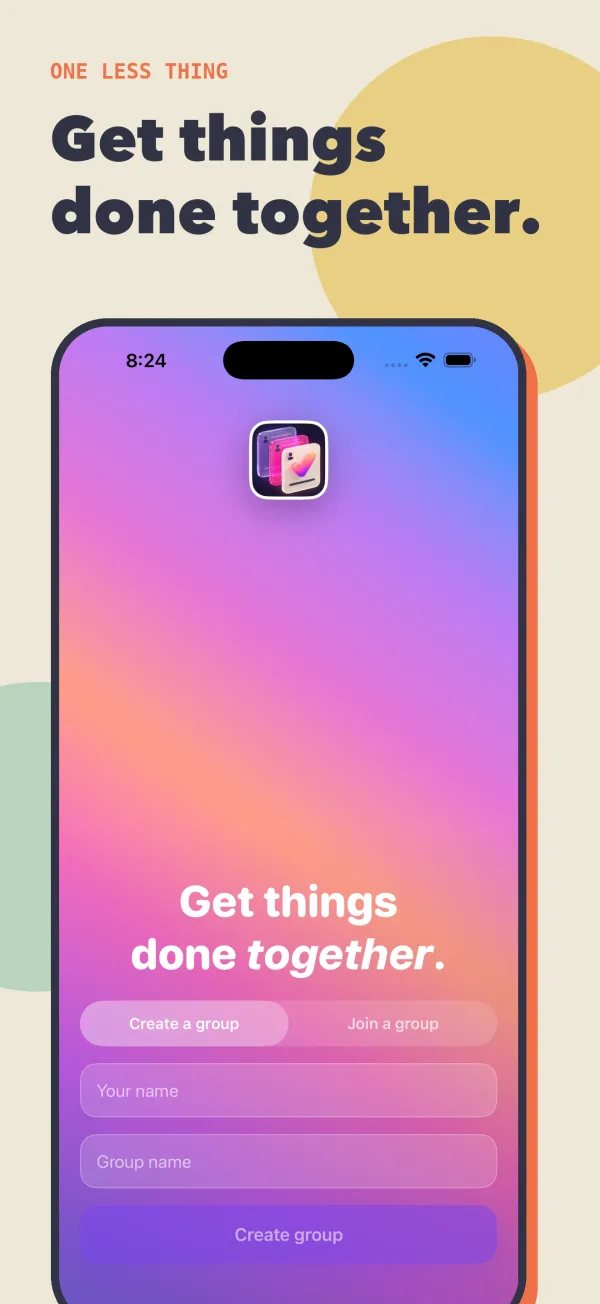
- Groups by code or QR. Be in more than one at a time.
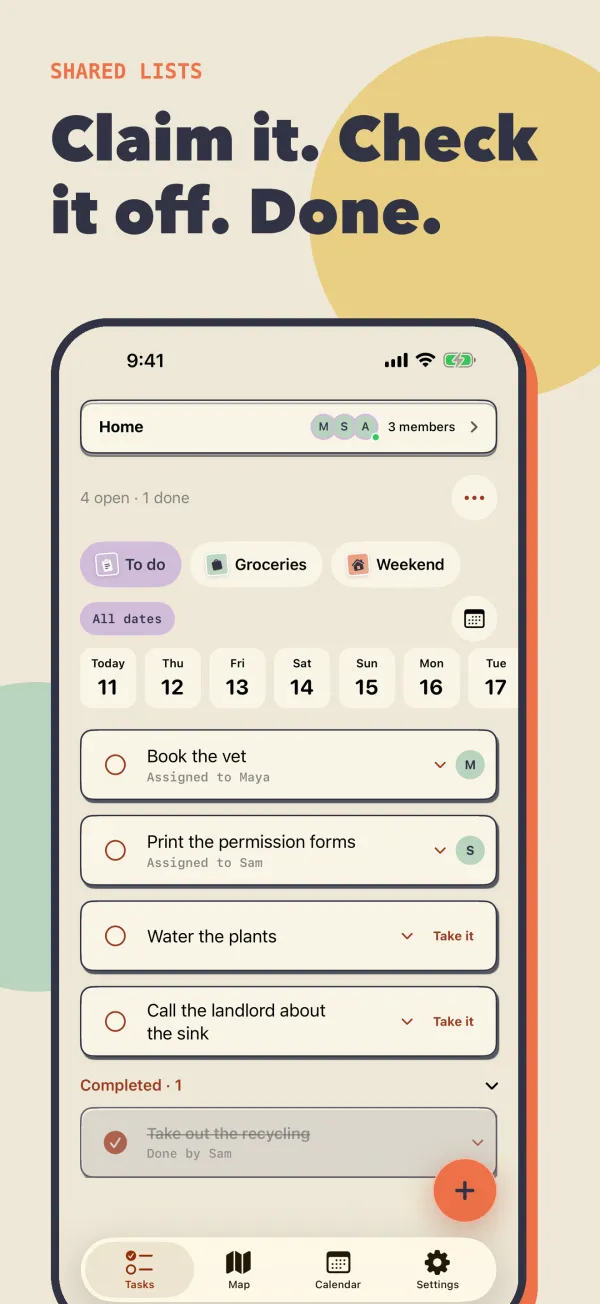
- Claim and complete. Take a task so nobody doubles up.
- Reactions. A small way to say thanks.
- Due dates and repeats. Daily, weekly or monthly.
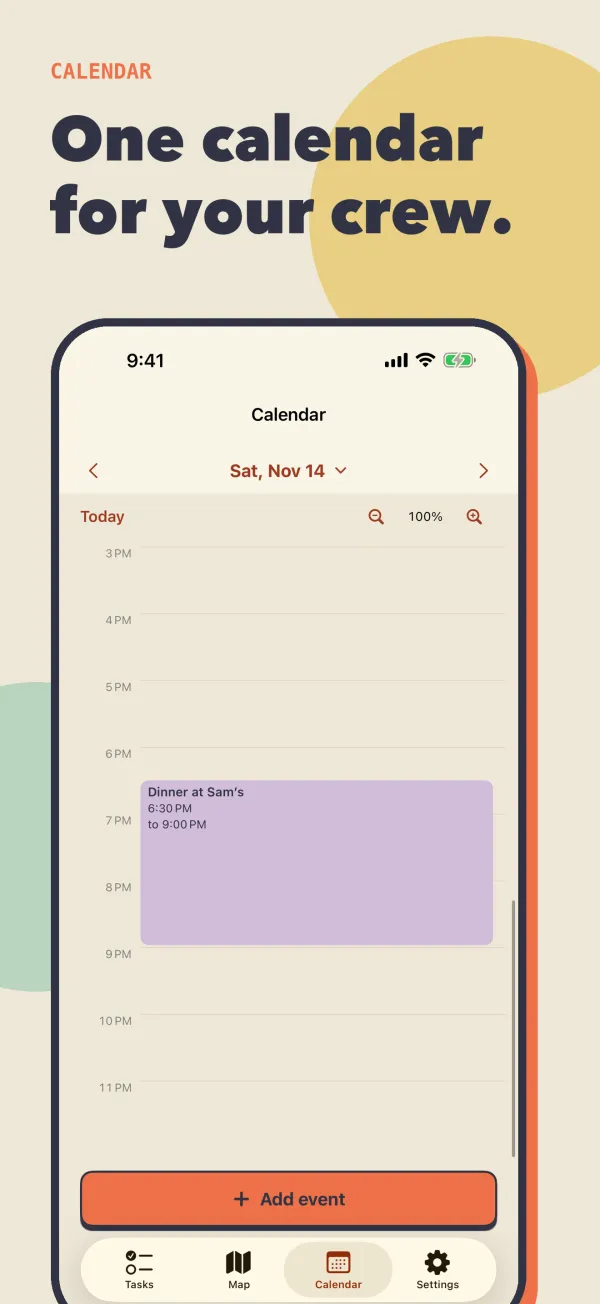
- Shared calendar. Events and tasks, day by day.
- Spots. Save restaurants, shops, photo spots and activities on the map, with ratings and shared notes.
- Trips. Keep a trip's spots, reservations and checklist together, with a day-by-day itinerary.
- Reservations. Turn a spot into a booking that shows in the calendar and reminders.
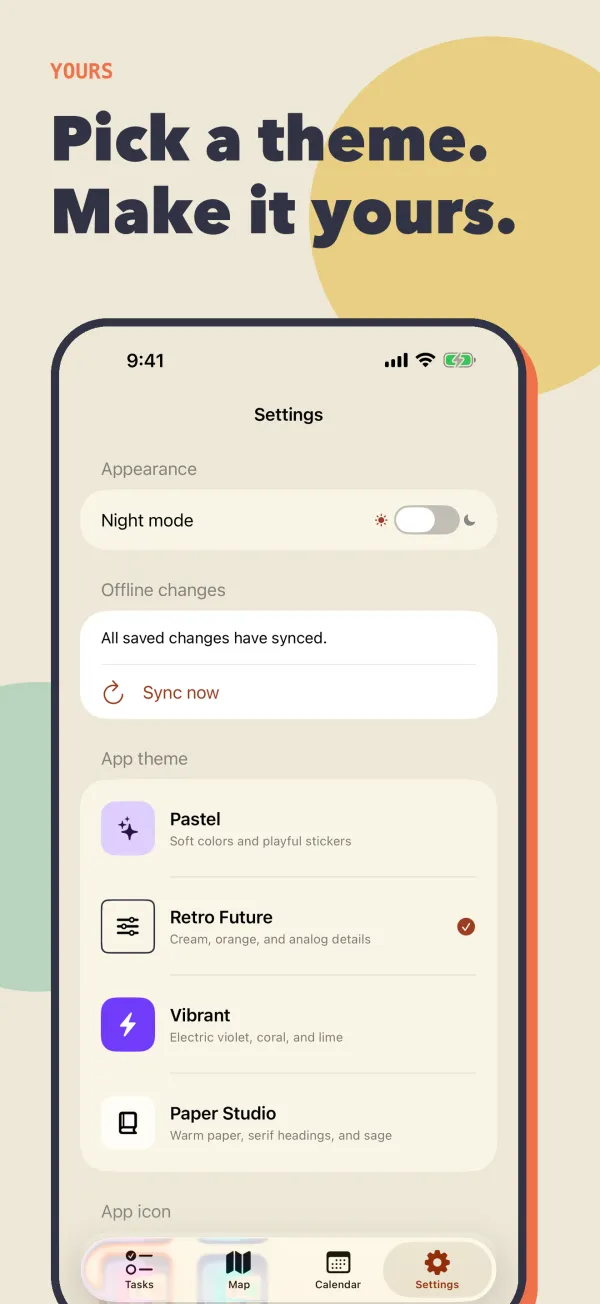
- Themes and icons. Try them in the phone's Settings tab.
The real thing
Straight from the app.
How it works
Up and running in a minute.
Privacy first
Private by design.
Your lists are for your group, not for advertisers.
- No ads and no tracking
- No account, email or password needed
- Only the people with your invite can see a group
- Delete your data any time from Settings
- Read the privacy policy

One less thing to forget.
One Less Thing is available now on the App Store for iPhone and iPad. Free, no account needed.