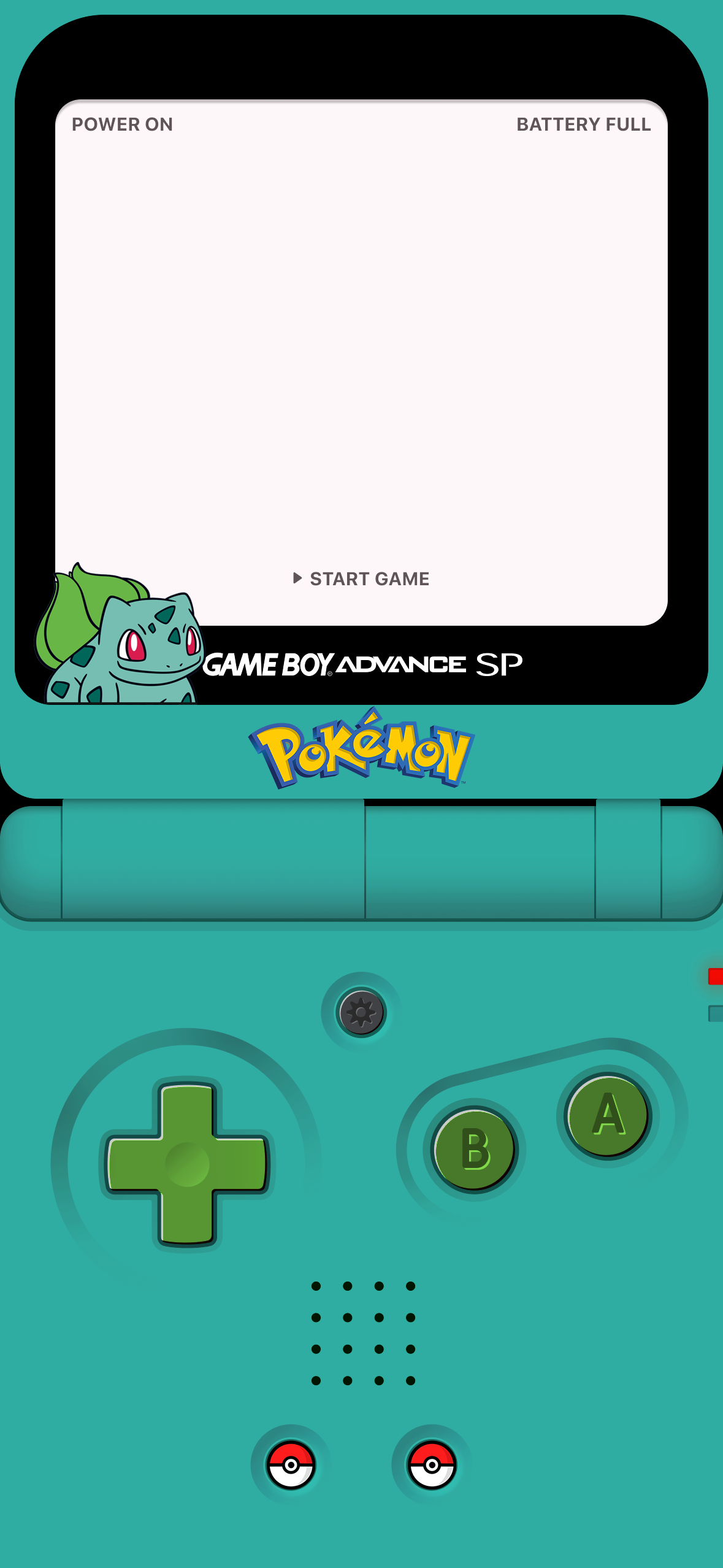
Bulbasaur
1179 × 2556 · PNG
↓ Download
Tap an uploaded layer on the preview to select it, then drag it to reposition. Use the controls for precise scale, rotation, opacity, and flipping.
CREATE YOUR OWN
Handheld Wallpaper
Customize the console, screen, artwork, logo, and export size.
Blank Starter Styles
Choose a clean handheld template, then customize its screen, colors, artwork, logo, and sprites.
11 templates
Create uses blank templates only. Finished wallpapers stay locked in the Pre-made tab.
Console Hue
Shift the handheld body hue while keeping the red LED and button masks protected.
Button Color
D-pad and A/B buttons are masked from the hue shift and can be colored independently.
Shell Color
Change the handheld body color.
Quick Presets
Start with a hardware palette, then customize.
Screen Background
Choose a preset, solid color, or upload your own image.
Screen UI Text
Change or remove the original interface labels.
Bottom-Left Subject
SUBJECT
Right Screen Sprite
Custom sprite / none selected
SPRITE
POKÉSPRITE GEN 8
Choose Right Screen Sprite
Regular Gen 8-style box sprites and included alternate forms.
Loading sprite list…
Sprites load from PokéSprite when this picker opens.
PokéSprite source ↗
Selected Layer
Fine tune placement and appearance.
Custom Logo
Use text or upload your own transparent PNG / SVG-style image.
Logo Placement
These controls apply to an uploaded logo image.
Export Wallpaper
Preview stays fast while downloads render at full resolution.
FORMATPNG
LAYERS0 uploads
PRIVACYLocal only